Welcome to CRM-NG
Learn how to use the application, set it up for your team or find help with a specific task.
Needs: Core
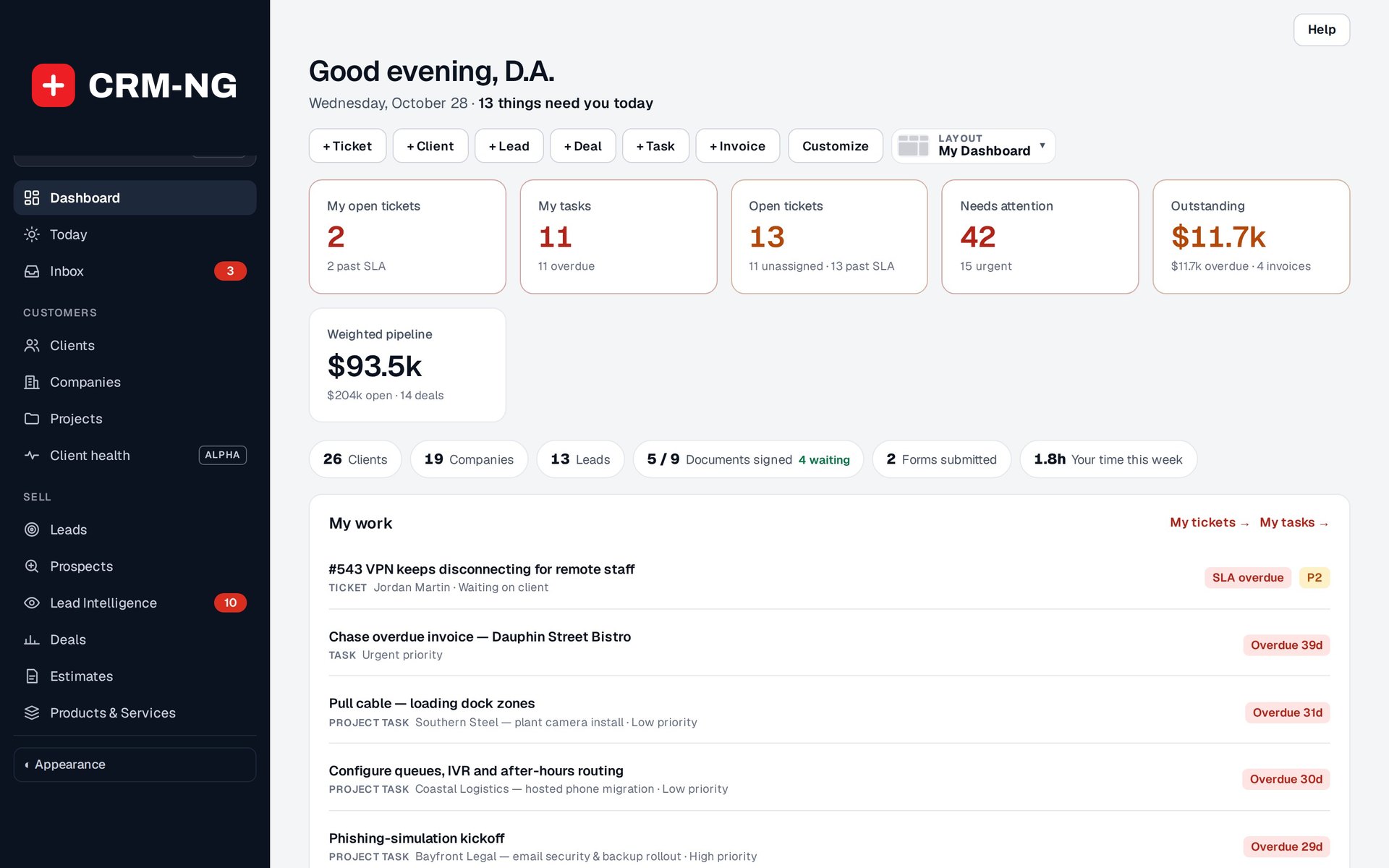
The dashboard shows tasks, open tickets, unpaid invoices and sales opportunities that may need attention.
CRM-NG brings customer records, sales, support, projects and business administration into one application. This reference explains how those features work and how to use them. You can read the setup chapters in order or use the search box to go straight to the task you need help with.
Where to start
| Your goal | Start here |
|---|---|
| Evaluate the application | Product guide, then availability |
| Configure a new installation | Installation and setup |
| Manage customers and sales | Clients, companies, deals |
| Deliver support | Tickets, SLA policies, client portal |
| Organize delivery | Tasks, projects, templates |
| Bill and collect | Time, invoices, payments |
| Manage staff | HR setup, employee records, approvals |
| Maintain the books | Accounting setup, bank reconciliation |
| Resolve a problem | Troubleshooting |
If you are deciding whether CRM-NG is right for your business, begin with the product guide. It follows everyday examples and explains how the main features fit together. Return here when you want the setup instructions or details of a particular feature.
Following the instructions
A path such as Settings → Plans means open Settings in the menu, then choose Plans.
The badge at the top of each chapter identifies whether the feature belongs to core, an optional module or Pro. If you cannot see a menu described here, check the module, license and your account's permissions. The availability chapter explains those checks.
Screenshots and the version covered
The screenshots show Catalyst Group production on 28 October 2026, using core 4.4.105 and Pro 4.8.13 (release 4.7.1) in the Modern look. Some records are demonstration data.
Workflow Builder is beta, and Service Explorer is pre-release. Booking Hub was inactive and no calendars were connected when the production settings were inspected. The relevant chapters explain those limits.
Click a screenshot to enlarge it, or open the original to read the small labels. All 35 images are 2880 × 1800. All come from Catalyst Group production and have no staging banners.