SLA calendars and response targets
Set service deadlines and understand how working hours, holidays and waiting statuses affect them.
Needs: Pro · SLA v2
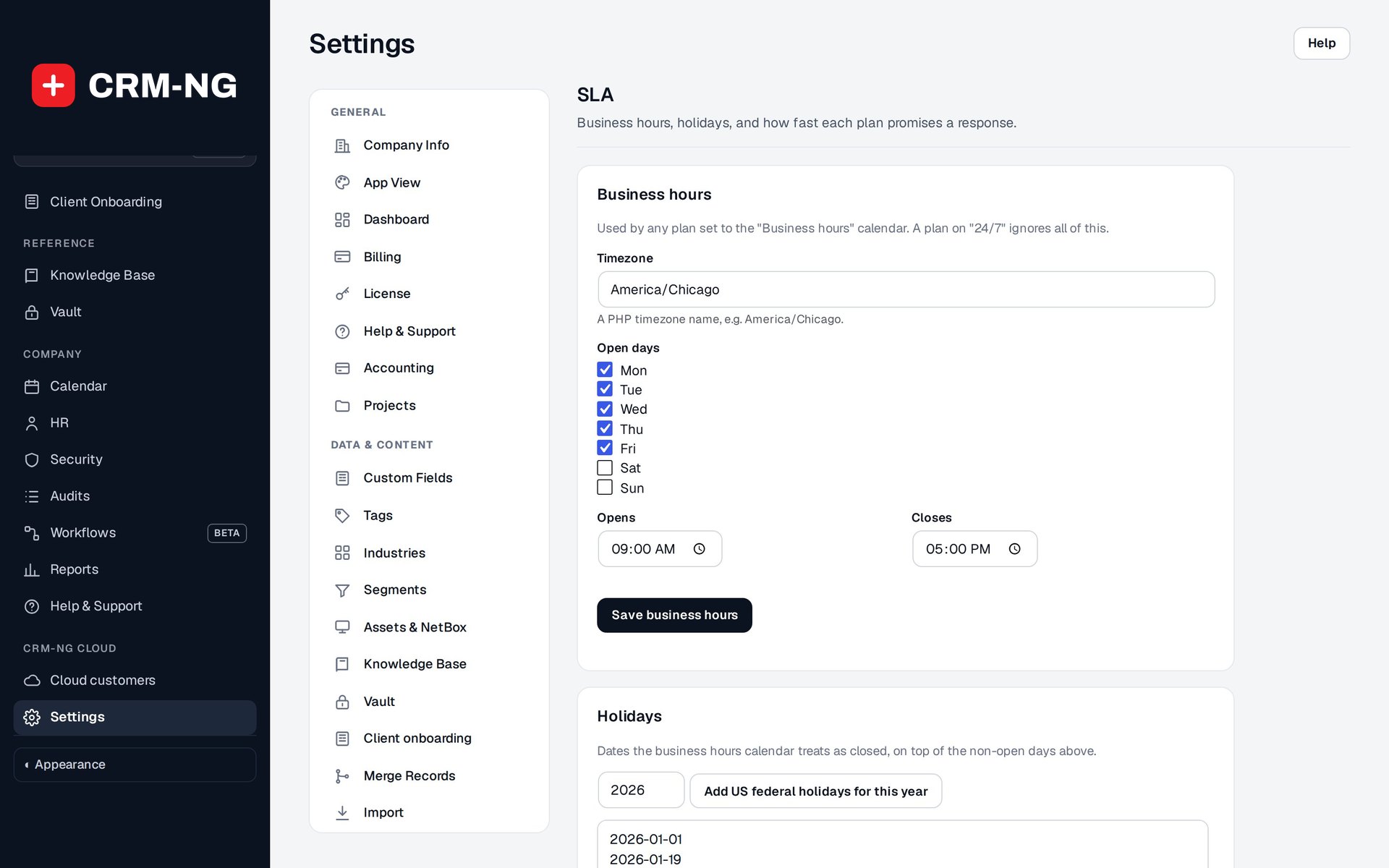
SLA settings define working hours and holidays. Plan-specific targets become available after active plans are added.
An SLA sets a target for responding to a ticket and a separate target for resolving it. CRM-NG calculates those deadlines using the customer's service plan, ticket priority and the calendar selected for the plan.
Set working hours and holidays
Open Settings → SLA and set the timezone, open days, opening and closing times, and holidays. Plans using Business hours follow that calendar. Plans using 24/7 continue counting outside those hours and on holidays.
For example, a business-hours target that starts near closing time may continue on the next working day. The same number of minutes under a 24/7 plan continues counting overnight.
Enter response and resolution targets
Set the targets for each plan and priority in the SLA matrix. Values are entered in minutes. A value of 0 uses the site-wide target rather than creating a zero-minute deadline. The site-wide defaults remain in the ticket SLA and CSAT settings.
Test a ticket near the end of a working day and another that crosses a weekend or holiday. Compare the displayed deadlines with the expected working hours before relying on the settings for customer commitments.
Account for time spent waiting
Waiting-on-client and waiting-on-vendor statuses can pause eligible clocks. Use them when the next action really belongs to that party, then return the ticket to active work when staff can continue.
If a deadline looks wrong, check the timezone, holiday dates, effective plan, any client override, priority and target fallback. Then review the status history for periods when the clock was paused.
SLA reports use recorded events. Compare the same period, priority and plan when reviewing results. Response time, resolution time, reopened tickets and customer satisfaction each describe a different part of the service experience.