Setting up Human Resources
Configure employee records, reporting lines and access before inviting staff to use HR.
Needs: Pro · HR
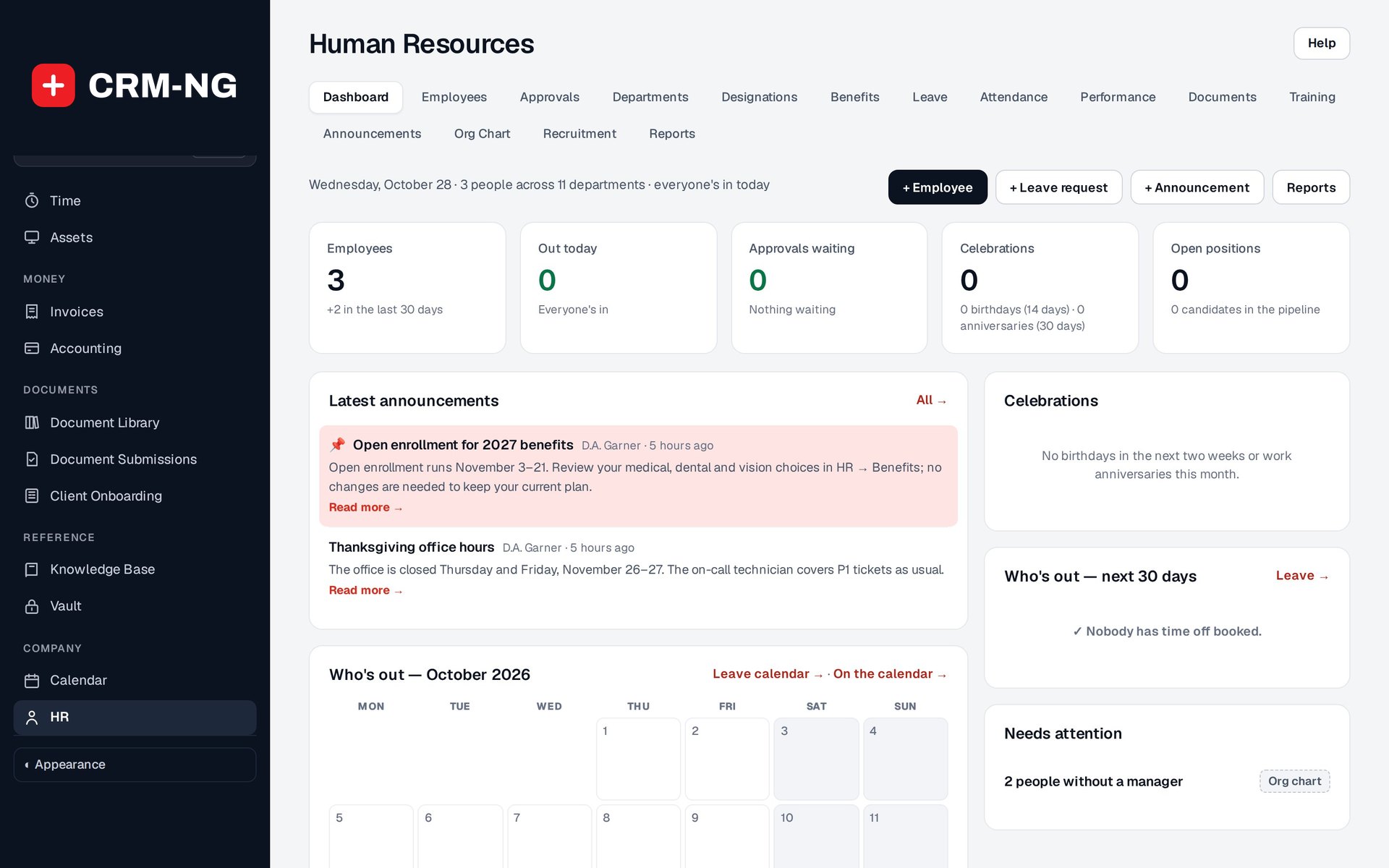
The HR dashboard summarizes staffing, pending approvals, leave and organization information.
The HR module manages employee profiles, organization structure, leave, attendance, development, recruitment and reports. You can use it independently of the customer-management workflow.
Set up the organization and permissions
Enable HR in Settings → Modules, then review Settings → HR and HR Welcome Email. Create the departments, teams, designations and benefit classes you need before adding a large number of employees. Decide who maintains employee details, who can see pay information and who approves requests.
HR has separate view, manage, pay and admin permissions. Manage includes viewing, while HR admin includes management and pay access. The reviewed HR Manager role has broad HR access. HR Assistant can maintain routine records without seeing pay information.
Administrators may also have broad access. Test the actual account rather than judging its permissions only by the role name.
Add an employee and reporting line
Open HR → Employees to create a profile or link an existing user account. Check the selected role: an ordinary employee using self-service should not need HR administration.
Set the department, team, designation and manager. These fields affect the organization chart and approval routing, so fill them in before testing leave requests.
Test the views staff will use
Check an ordinary employee account, a manager, an HR assistant and an account allowed to see pay. Review profile editing, compensation, notes, reports and approvals separately.
HR notes have their own audience rules. HR document uploads go to the media library rather than the private client-document storage, so review file access separately as well.
Create the employee portal, check its welcome message and test the page before inviting staff. The access chapter explains the wider CRM permission model.