Email on your own server
On a self-hosted site, everything CRM-NG sends goes out as WordPress email, so connect a real mail service before you invite anyone. When sending fails, CRM-NG turns the WordPress admin bar red and names the last error until a message gets through.
CRM-NG SMTP Email
CRM-NG SMTP Email is the family's mail plugin. It sends through a real mail service, by SMTP or the service's API: Gmail / Google Workspace, Microsoft 365 / Outlook, Amazon SES, Zoho Mail, Mailgun, SendGrid, Brevo, SendLayer, SMTP.com, or any SMTP server. It works with or without the CRM.
1. Install it
Install and activate CRM-NG SMTP Email. If another mail plugin is already sending (for example WP Mail SMTP), it stays inactive and says so; nothing changes until you hand over.
Coming from WP Mail SMTP?
Tools → Import copies its settings, including a Gmail connection, without touching the original plugin.
2. Connect a mail service
One-Click Setup (Gmail and Microsoft 365). Press One-Click Setup, sign in with the mailbox you want to send from, and approve sending. The connection is made for you and the From address is set to the account you signed in with. No API project of your own is needed.
Tick the sending permission
Google shows a consent screen with a checkbox for sending email on your behalf. If it is left unticked, Google issues a connection that cannot send. CRM-NG refuses that connection and asks you to sign in again with the box ticked.
Manual setup (every service). Choose the service, then enter its credentials: an API key, or the SMTP host, port, encryption and username/password. Each service has a step-by-step guide at catalystgroup.gg/docs/email-delivery.
3. Send a test
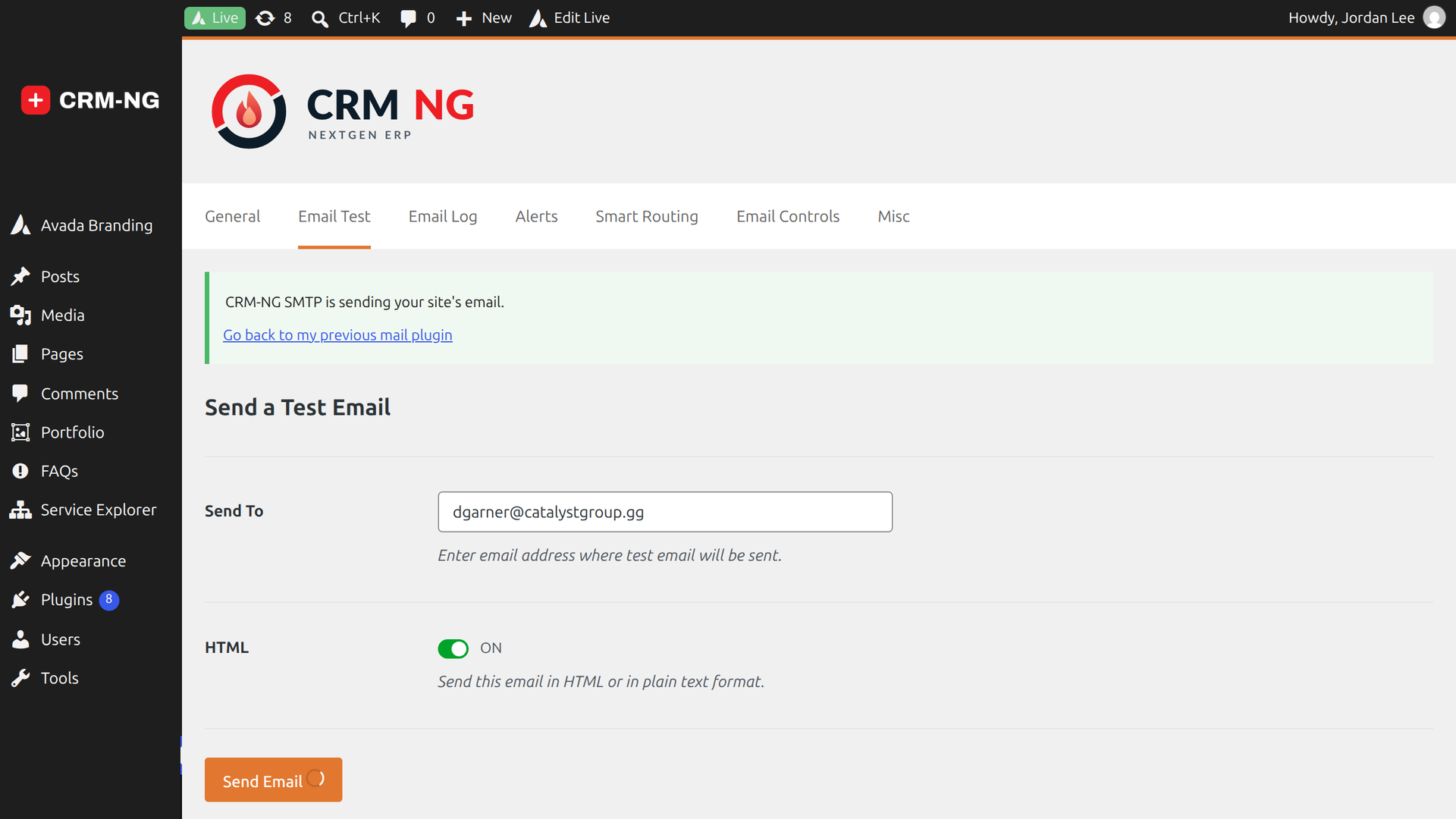
Open the Email Test tab, send a test to an address you can check, and confirm it arrived and was not marked as spam. Only after a successful test can you press the hand-over button that makes CRM-NG SMTP Email the site's sender. Hand-over is reversible.
Make your mail trusted
Publish SPF, DKIM and DMARC records for your sending domain: see Email delivery.
When mail still fails
- The red admin bar names the last error. Look it up in the error library.
- The email log in CRM-NG SMTP Email shows every message, its status and the provider's response.
- A backup transport can take over automatically if the main service fails.