Projects, tasks and templates
Start each job with a plan your team can follow.
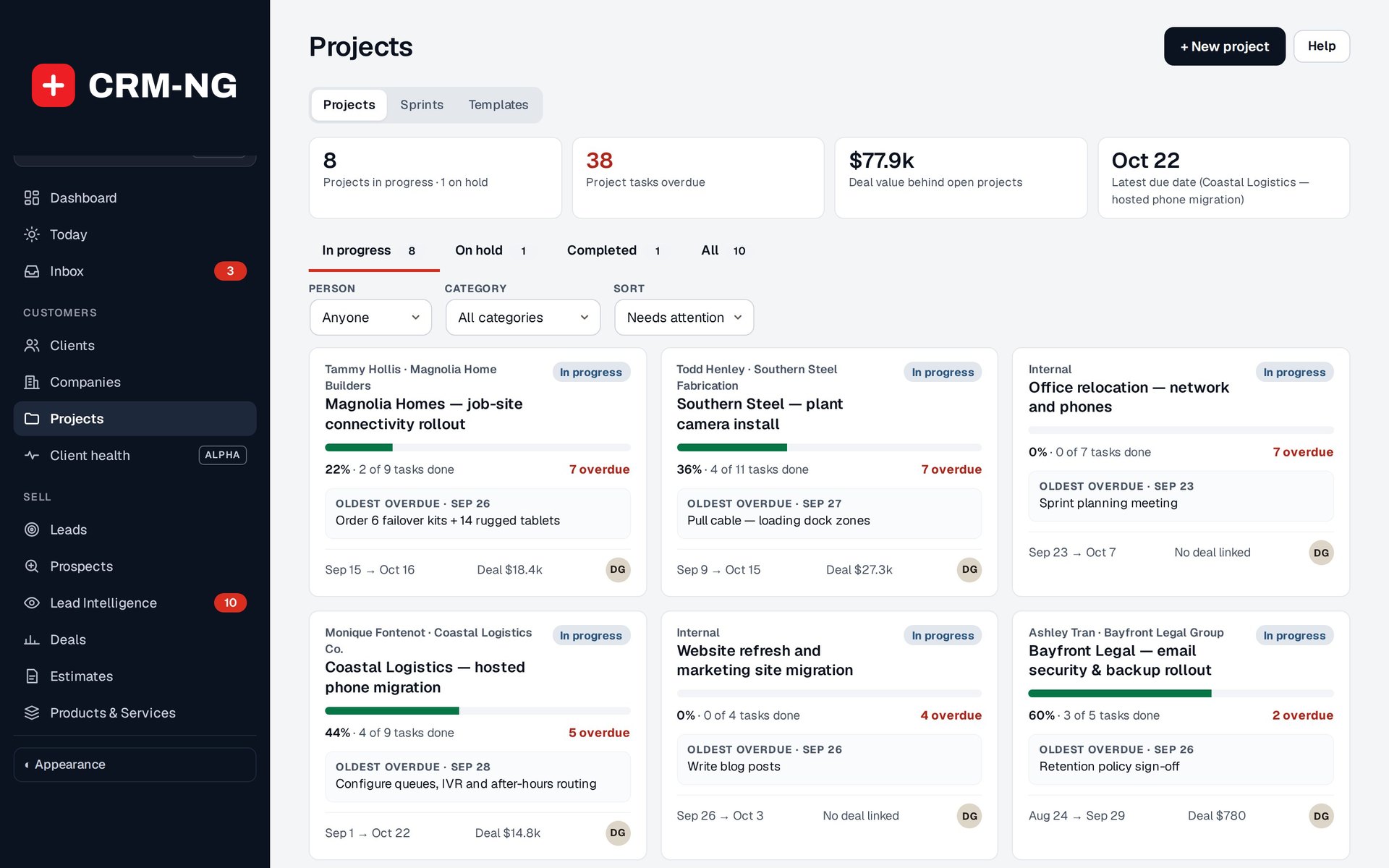
The project list shows progress, upcoming tasks, overdue work and links to the related deals.
An installation, assessment or onboarding job usually involves several people and a series of related tasks. CRM-NG projects keep those tasks together with the dates, milestones, discussions, files and time records needed to complete the job.
Your team can use a list or board for daily work and switch to the timeline or calendar to review the schedule. Dependencies show which tasks are waiting for earlier work to finish. The project portfolio helps managers find overdue work and see what is coming next across several customers.
Adapt a familiar plan to each new job
Project templates save the structure of work you carry out regularly. You can define lists, tasks, subtasks, milestones, board columns and the roles responsible for them. Dates can be calculated from a starting date, so you do not have to edit every task by hand.
Before creating the project, review the preview, assign people to the roles and check the dates. This lets you adjust a familiar process for the actual customer and the team available to do the work.
Included templates cover examples such as client onboarding, employee onboarding and offboarding, network and camera installation, and security assessments. You can adapt them to your own procedures or build your own library.
Read more: Managing projects · Tasks · Creating and using templates