The phone app
CRM-NG on your phone, for iPhone and Android, in light and dark.
Needs: Mobile module
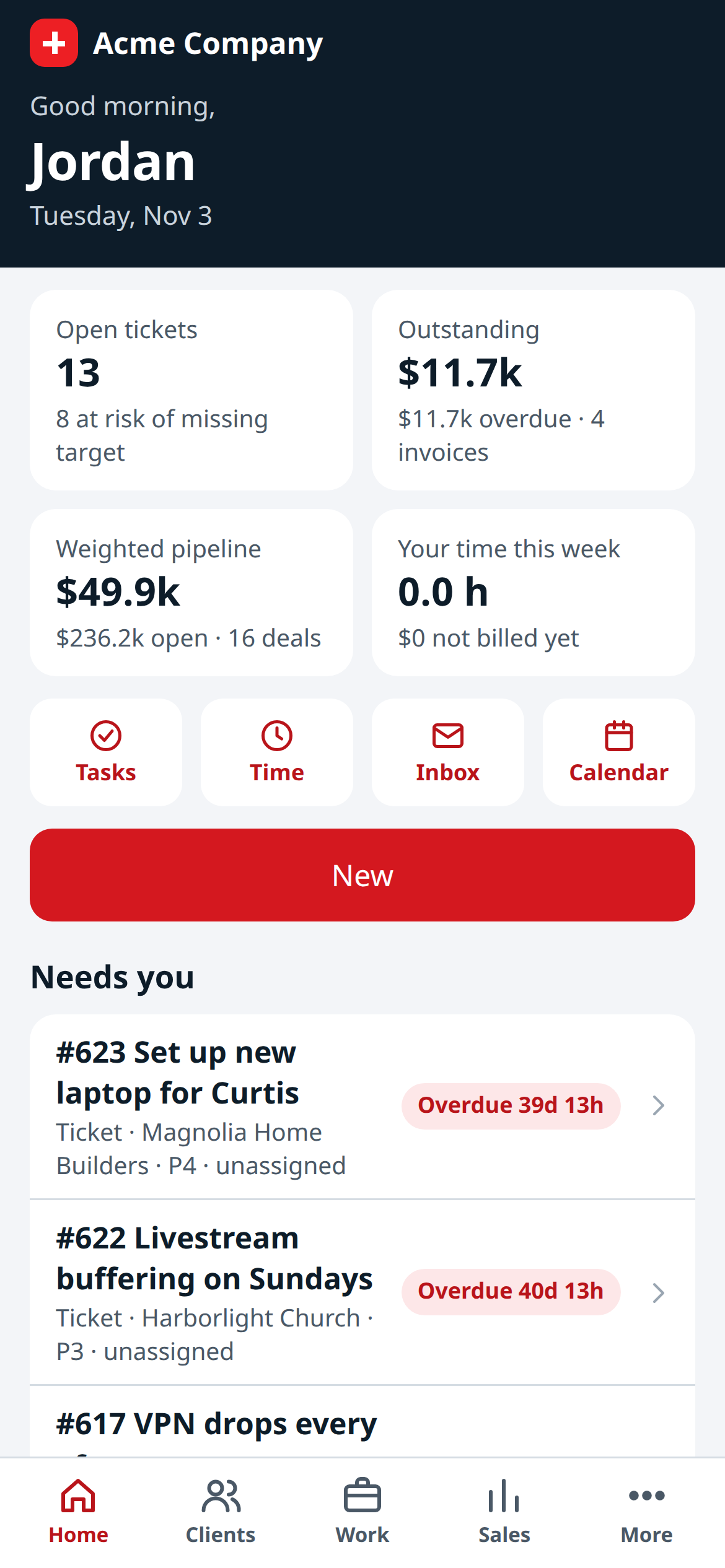
Home on an iPhone: the day's numbers, shortcuts, New and what needs you.
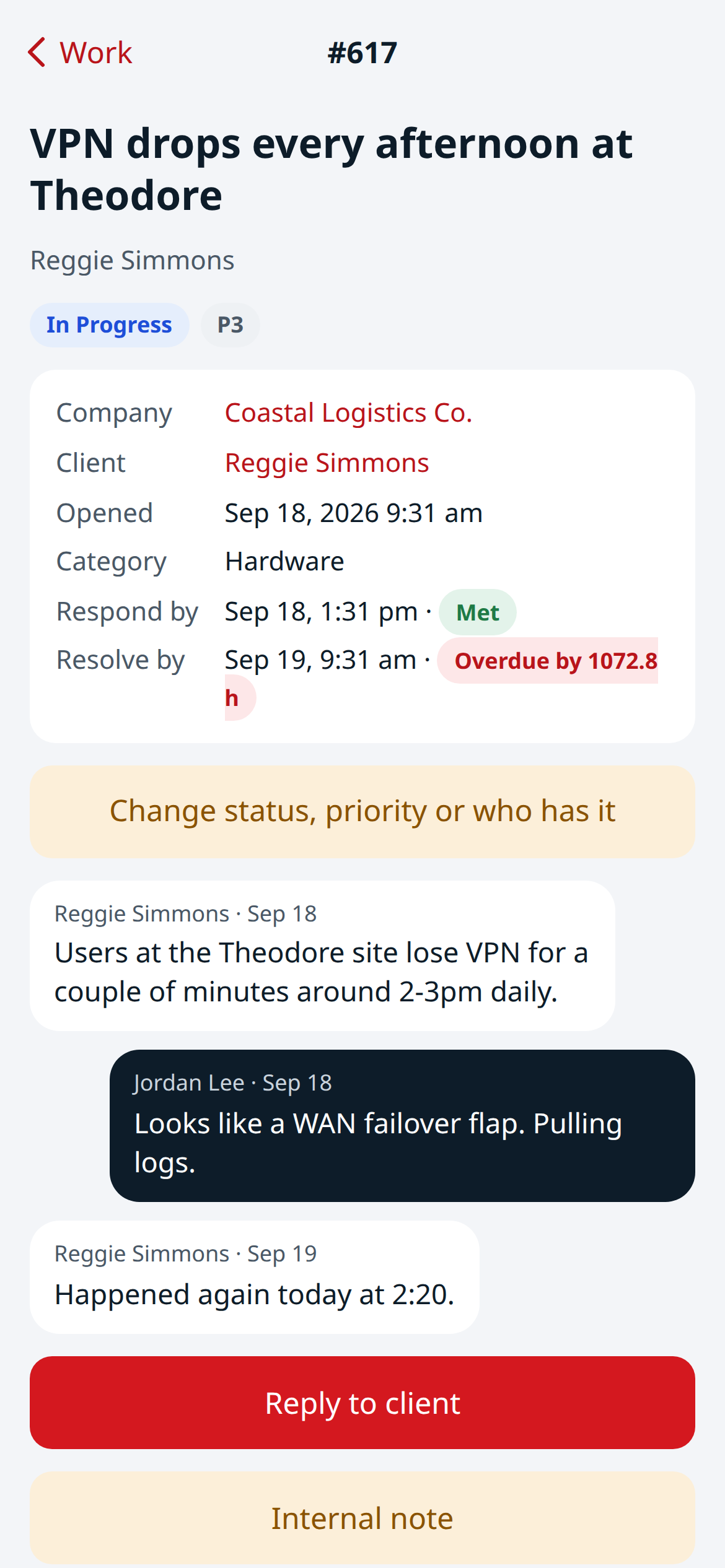
A ticket on the phone: its details and targets, the conversation, and replying to the client.
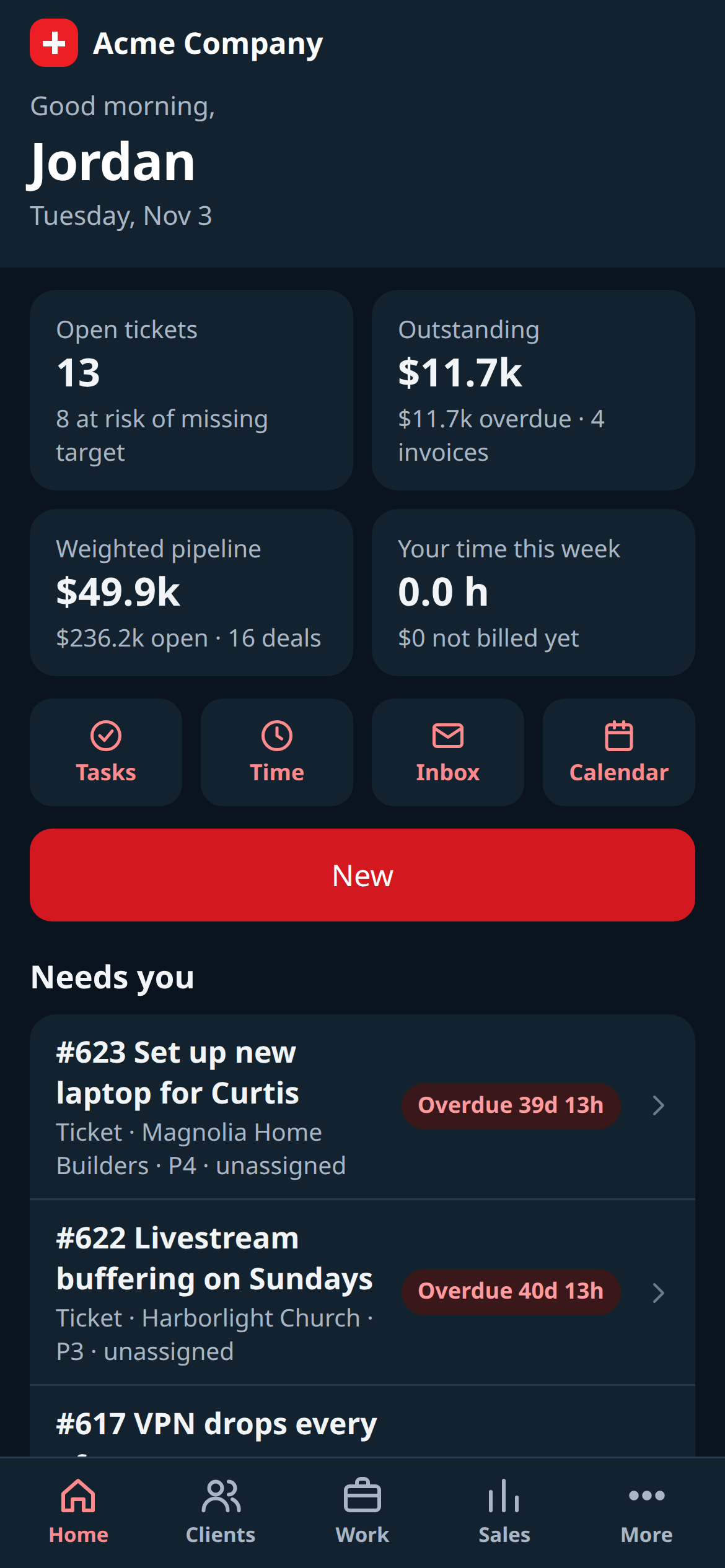
The same Home screen in dark mode.
Open your CRM-NG address with /app/ on the end, or simply sign in on your phone: staff signing in from a phone land in the app. Add it to your home screen to open it like an app. It follows your phone's light or dark setting and uses an iPhone or Android layout to match the device.
What you can do
- Home: today's lists, your inbox and the calendar, and New to make anything.
- Clients: people and companies with a full client view.
- Work: tickets, field visits, tasks, time and the timer.
- Sales: leads, deals, estimates and invoices, including line items.
- More: everything else your modules offer, such as renewals, purchase orders, client health, lifecycle, onboarding journeys, compliance, surveys, reports, HR (people and time off, never pay), the intranet, team spaces and Process Discovery.
A screen appears only while its module is on, and you see only what your permissions allow. Money totals on accounts show to managers only.
What stays on the computer
Building forms, workflows and reports, accounting, setup screens and opening Vault secrets stay in CRM-NG Live on a computer. Where the phone has no screen of its own, the link opens Live.