Renewals
Domains, SSL certificates, licences, warranties and subscriptions, with alerts before they lapse.
Needs: Renewals module (Accounting for renewal invoices)
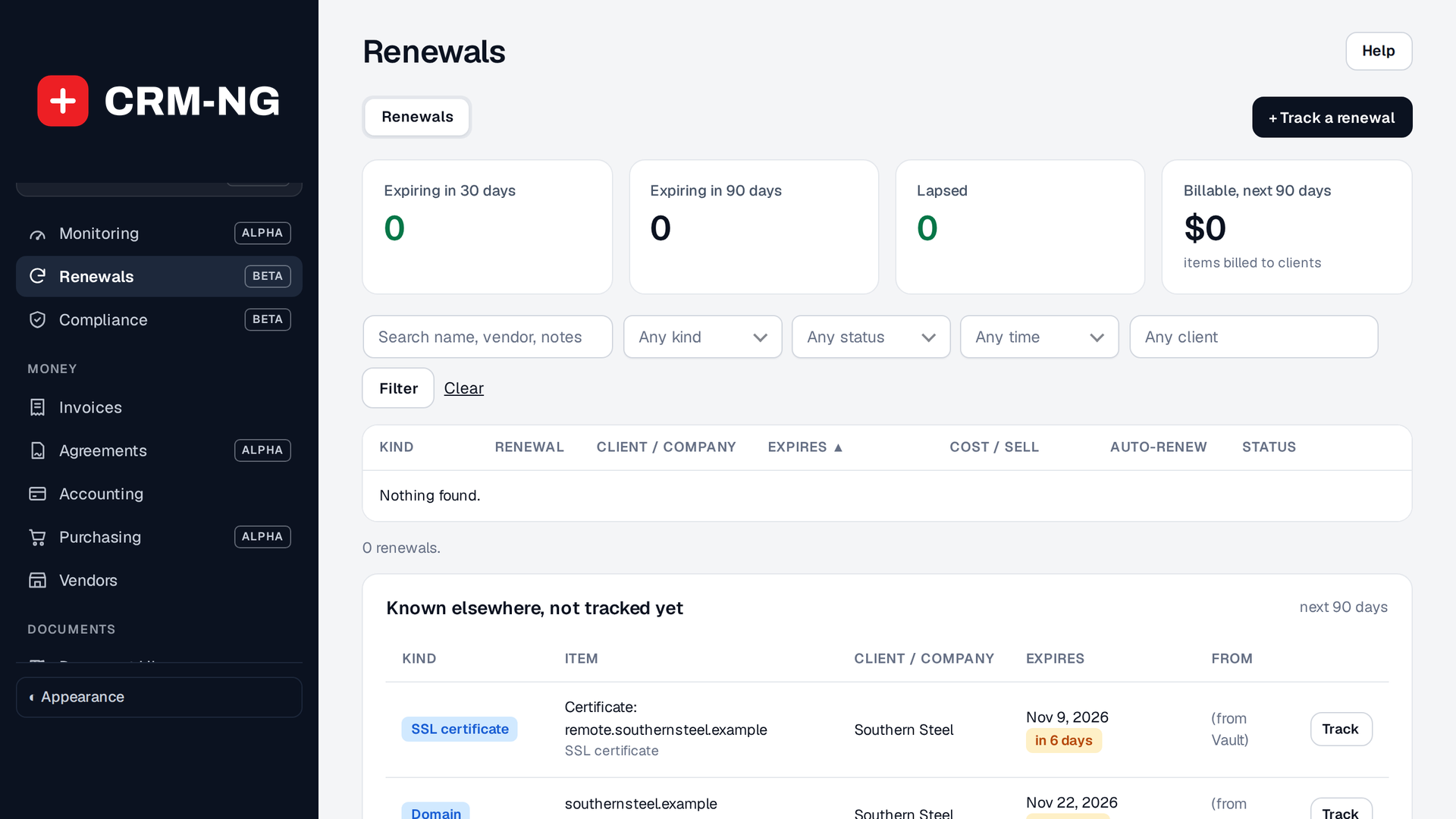
Renewals: what expires in the next 30 and 90 days, what has lapsed, the billable value coming up, and items already known elsewhere (such as the Vault) waiting to be tracked.
Renewals keeps everything that expires for you or your clients in one list. The tiles show what expires in the next 30 and 90 days, what has lapsed, and the billable value coming up in the next 90 days. Needs attention lists what to deal with first.
Add something to track
Choose Add, pick the kind (domain, SSL certificate, software licence, warranty or subscription), the client it belongs to, its expiry date and renewal period, and who is alerted. Filter the list by kind, status, time window, client or a search.
When it comes due
Alerts go out as the expiry date approaches, and each one is recorded on the item. If you renew it for the client and invoice them, the owner gets a high-priority task due on the expiry date, so it also shows on their calendar.
- Mark renewed moves the expiry date on by the renewal period and keeps the old date in the notes. For billable items it also completes the task and makes the invoice.
- Create renewal invoice makes the invoice on its own when Accounting is on.
- An item that passes its date without being renewed is marked lapsed.
Each client's renewals also show on their company page.