Project templates
Save a repeatable process and turn it into a project with the right people and dates.
Needs: Pro · Projects
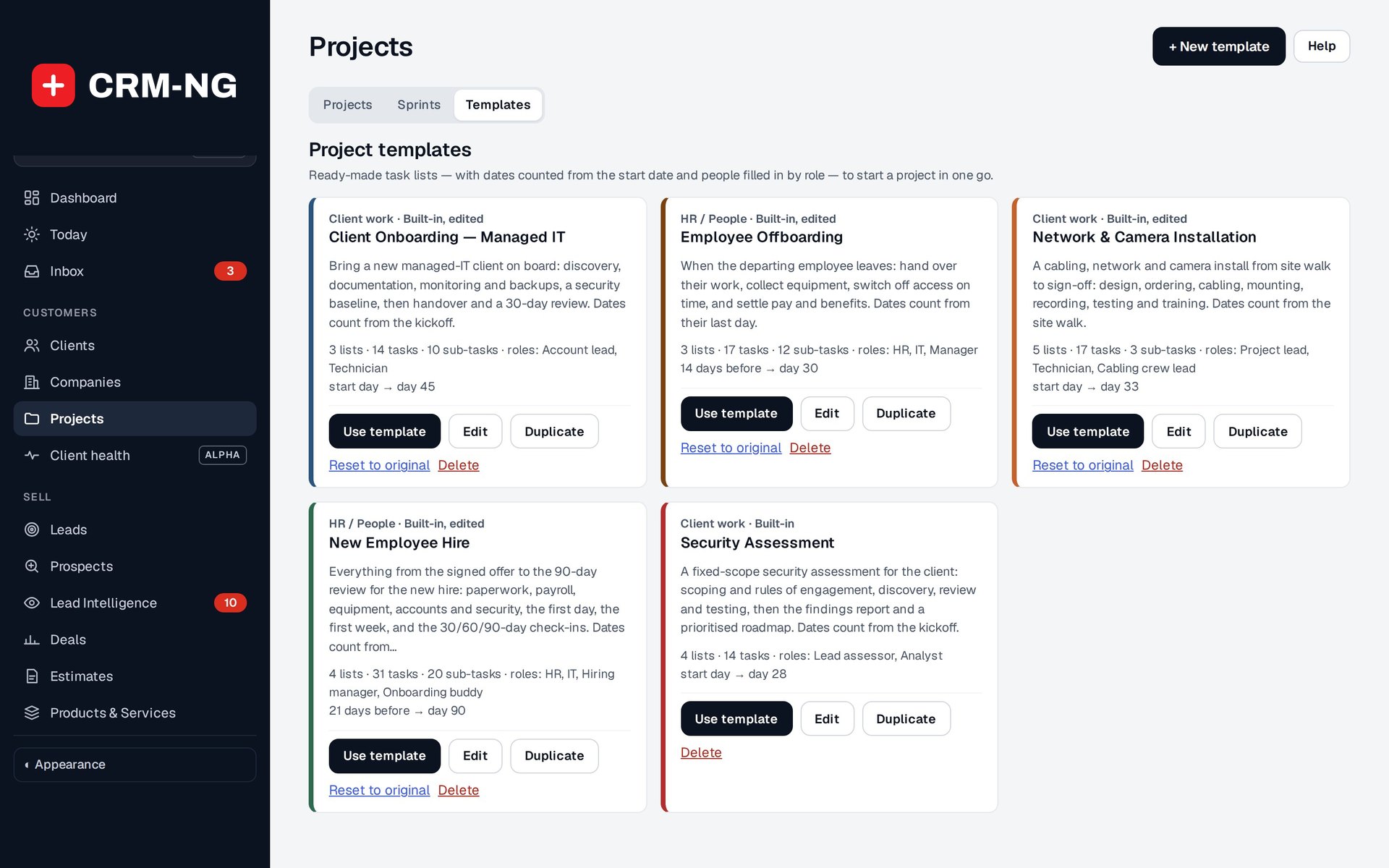
Reusable templates provide starting plans for onboarding, installations, assessments and other recurring jobs.
A template saves the lists, tasks and milestones used for a recurring job. CRM-NG includes 34 built-in templates, from IT work such as Client onboarding (Managed IT), Network & camera installation and Security assessment, through HR such as New employee hire and Employee offboarding, to industry projects: construction job, legal matter, tax return engagement, clinic or practice opening, rental unit turnover, property listing to closing, restaurant opening, production line changeover and grant application. You can adapt them or create templates for your own procedures.
Build the template
Set the name, category, billing behavior, expected project length and naming pattern. Define roles such as project owner or technician, then assign the tasks to those roles. A role's usual person is a default that can be changed for each project.
Add lists, board columns, tasks, subtasks and milestones. Set date offsets, start and due timing, role assignments and estimated points where available. Make clear which reference date each offset uses, such as the project start or employee start date.
Create a project from the template
- Choose the template and enter the customer, subject or employee name and reference date.
- Assign a person to each role. Check whether the usual person is available for this job.
- Choose how weekend dates should be handled: preceding Friday, following Monday or unchanged.
- Review the preview, including the project name, dates, tasks and milestones.
- Create the project and check its first assignments in the workspace.
HR templates can fill employee names and dates into the plan. They create tasks for people to carry out; account changes, equipment returns and other offboarding actions still need to be completed by their owners.
Maintain the template library
Duplicate a built-in template if you want to keep the original while making substantial changes. Use the available edit, reset, restore and delete controls to maintain the library. You can also save an existing project as a template; remove names and details that only belong to that customer or employee.
Changing a template does not rewrite projects already created from it. Review an existing project's own plan when its procedure needs to change.