Invoices and outstanding balances
Prepare charges, issue an invoice and follow its payment history.
Needs: Core
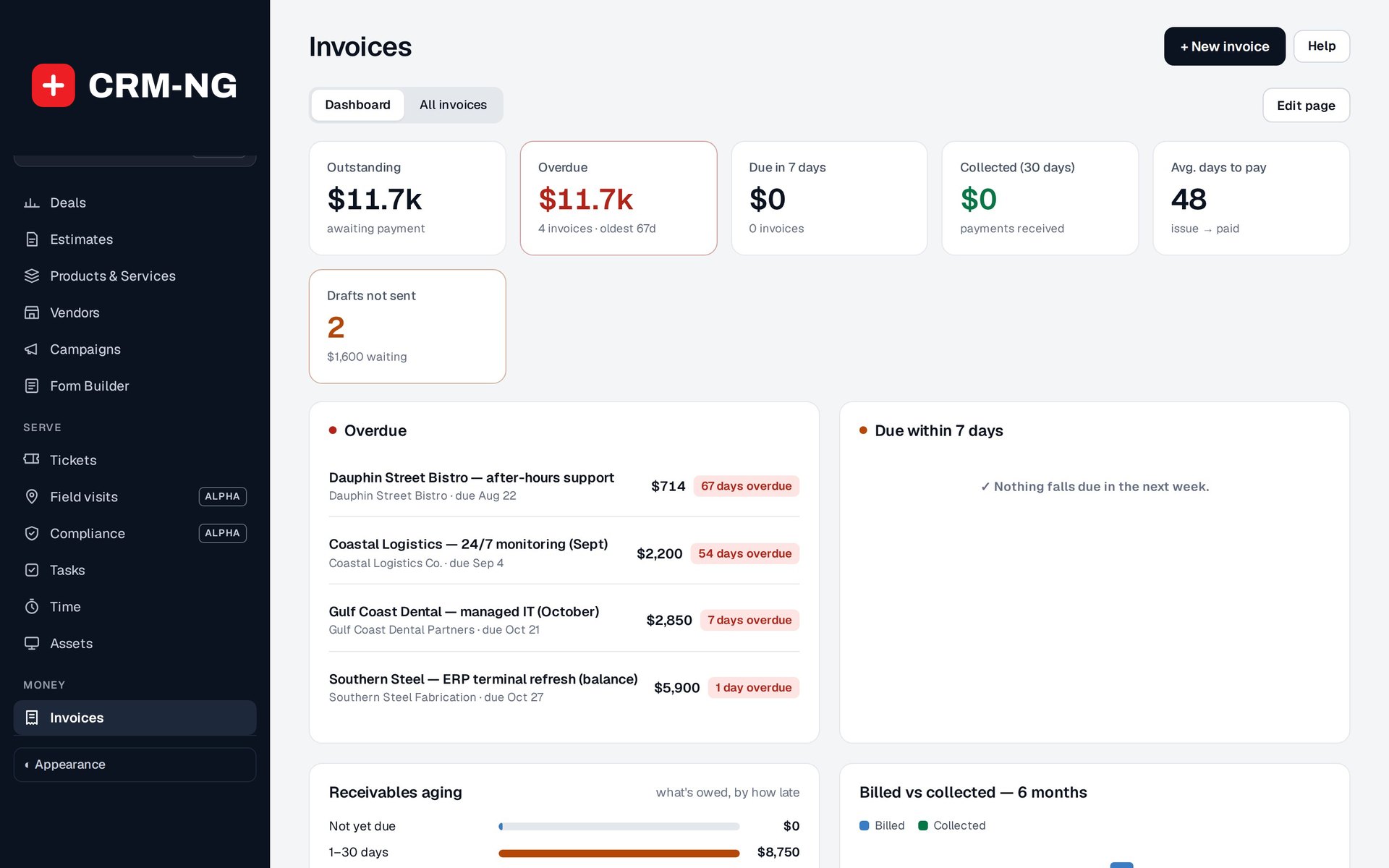
The invoice dashboard separates overdue and outstanding balances from payments already collected.
An invoice records the amount a customer is being asked to pay. The invoice dashboard shows billed amounts, collections, outstanding balances and overdue amounts. Check the dates and filters when comparing these figures, since billing and payment can happen in different periods.
Prepare and issue an invoice
- Create a draft directly, from an estimate, from eligible time or through the relevant project or expense billing action.
- Check the customer, billing details, dates, currency and payment terms.
- Review each description, quantity, rate and tax amount. Check whether a discount or included-hours allowance has already been applied to the source work.
- Preview the document and confirm the total.
- Issue or send it using the available action, then check the saved status and delivery result.
A draft gives staff a chance to review the charges before issuing them. Draft and void invoices are excluded from normal sales posting in Accounting.
Record and follow payments
Use the payment controls to record the amount received, date, method and reference. The balance can be unpaid, partially paid or paid. Open the payment history to see how the current balance was reached.
An invoice is overdue when an unpaid balance remains after its due date. Before following up, check for recent payments, an incorrect due date or a correction that is not reflected in the current view.
Correct an invoice
Use the appropriate invoice and payment actions so the history remains understandable. Changes to eligible CRM invoices can update Accounting, including some changes made after an Accounting closing date. Read closing-date behavior before correcting an older invoice and coordinate with the person responsible for the books.
For invoices based on time, finish the rate and included-hours review before creating the invoice. Completing a task does not automatically confirm that all of its recorded time should be billed.