Employee records and HR
Give employees, managers and HR a shared place to handle routine work.
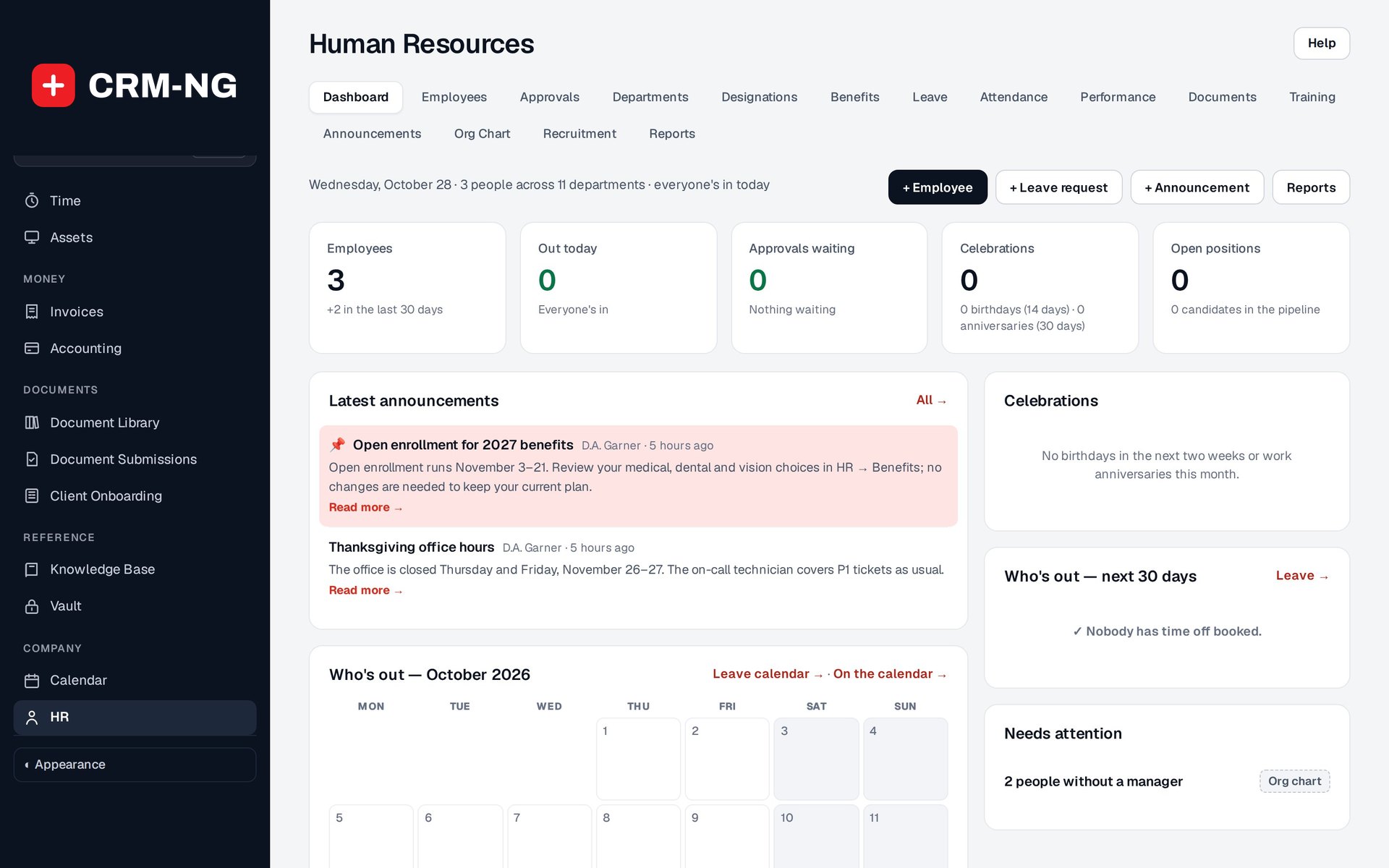
The HR dashboard summarizes staffing, pending approvals, leave and organization information.
The HR module brings employee information together with departments, reporting lines, leave, attendance, performance, training, equipment and recruitment. You can use it on its own or alongside the customer-facing parts of CRM-NG.
Employees have a self-service portal for the information and actions available to them. Managers can review requests and team information. HR staff can maintain records, with separate permissions for pay information so routine administration does not require access to compensation.
Make the first days of employment easier to organize
Start by creating or linking the employee account and setting their department and manager. Assign the appropriate benefits, prepare the welcome message and use an onboarding project template for the practical work that must be done.
The team can then follow up on equipment, documents and training instead of relying on a separate checklist that only one person can see. When someone changes roles or leaves, those records help identify what needs to be updated or returned.
Thirty HR report views cover areas including staffing, leave, attendance, pay, development and equipment. They help you find missing information and review the records behind a question. Pay records and reports are included; the module is not an automatic payroll system.
Read more: Setting up HR · Employee records · Leave requests · HR reports