Managing projects
Organize the tasks, people, schedule, files and billing for a job.
Needs: Pro · Projects
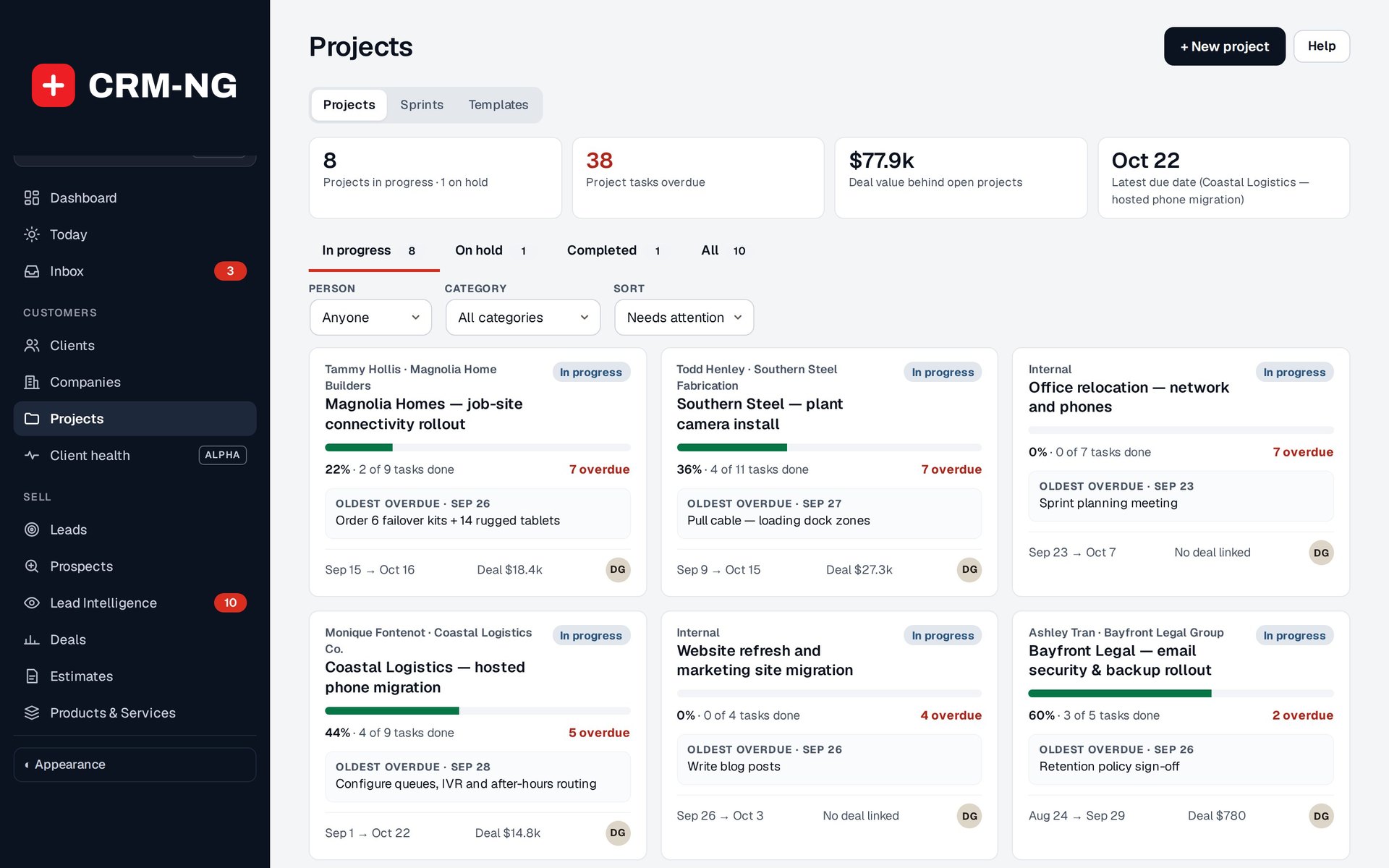
The project list shows progress, upcoming tasks, overdue work and links to the related deals.
The project portfolio helps you see which jobs are progressing and which need attention. It shows progress, overdue work, upcoming tasks, people and links to the sales opportunity where available. Open a project to work with its detailed plan.
Create or find a project
Use a template for a recurring job, or create a project directly. Check the customer, owner, participants, category, dates, status and billing model before work begins.
The portfolio supports In progress, On hold and Completed states. Search and person or category filters help narrow the list. You can sort by attention, due date, name, progress, newest, start date or client.
The progress figure is based on the tasks represented in the project. Compare it with the milestones and agreed scope before deciding that the whole job is finished.
Work inside a project
| Area | What to do there |
|---|---|
| List / Board | Organize tasks, stages, ownership and subtasks |
| Timeline / Calendar | Review dates, duration, dependencies and overlap |
| Milestones | Track significant delivery checkpoints |
| Discussions | Keep project-level conversation with the work |
| Files | Share permitted staff project files |
| Time & billing | Inspect effort and prepare eligible charges |
| Settings | Maintain project configuration and participants |
Project files have protected downloads for authorized staff. They do not automatically become client-portal attachments. The reviewed upload rules exclude executable files and active content such as scripts, HTML and SVG.
Move dates or complete a project
The timeline can show a selected sprint interval or Everything. Dragging a project bar opens a confirmation for the date change. You can also choose to shift open tasks and milestones; check that option before confirming, since it affects more than the project header dates.
Before marking a project complete, review unfinished tasks, outstanding files, time and draft invoices. Project completion records the delivery state. Invoices and payments continue to have their own statuses.