The classic admin
On a self-hosted site, CRM-NG has a second way in besides CRM-NG Live: the classic admin, inside the normal WordPress menu. Both show the same records from the same database. Nothing is copied or synchronised, so your team can mix them freely.
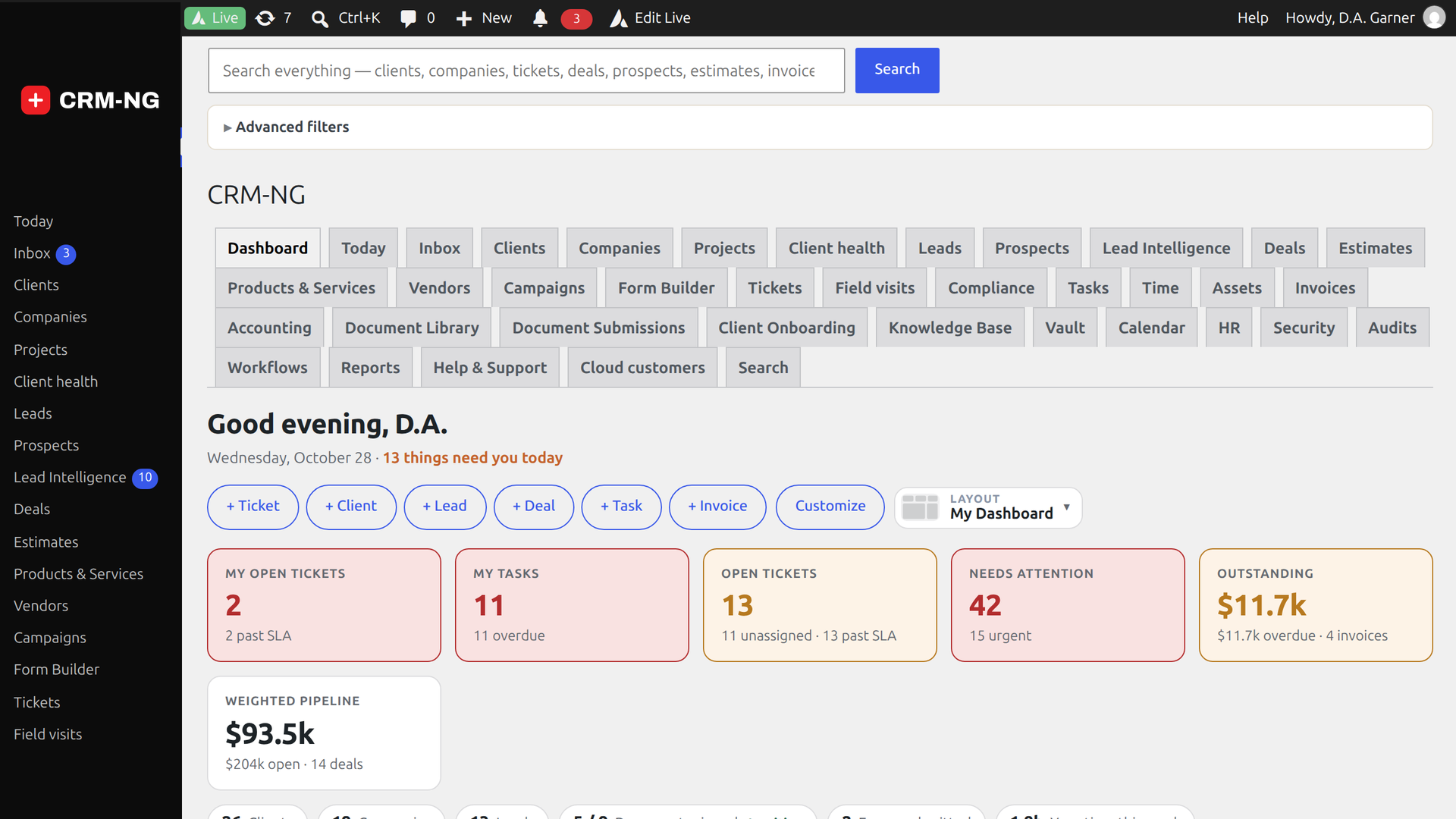
CRM-NG sits in the WordPress menu, with a sub-item for each section you are allowed to see: Clients, Companies, Deals, Tickets, Invoices, Knowledge Base, Vault and so on. It suits occasional users and people who spend their day in WordPress anyway. CRM-NG Live in the same menu opens the full-screen workspace; Return to WordPress at the bottom of Live's menu comes back.
If Live is missing from the menu, open Settings → App View and tick Enable CRM-NG Live, and show its menu item.
Which should your team use?
Let people choose. Staff who work in the CRM all day usually prefer Live; an owner who checks in now and then, or a web editor who mostly manages pages, is often happier in the classic admin. Links inside CRM-NG always keep you in the view you started in.