
Phone App
Your whole business on your phone, not a cut-down version of it.
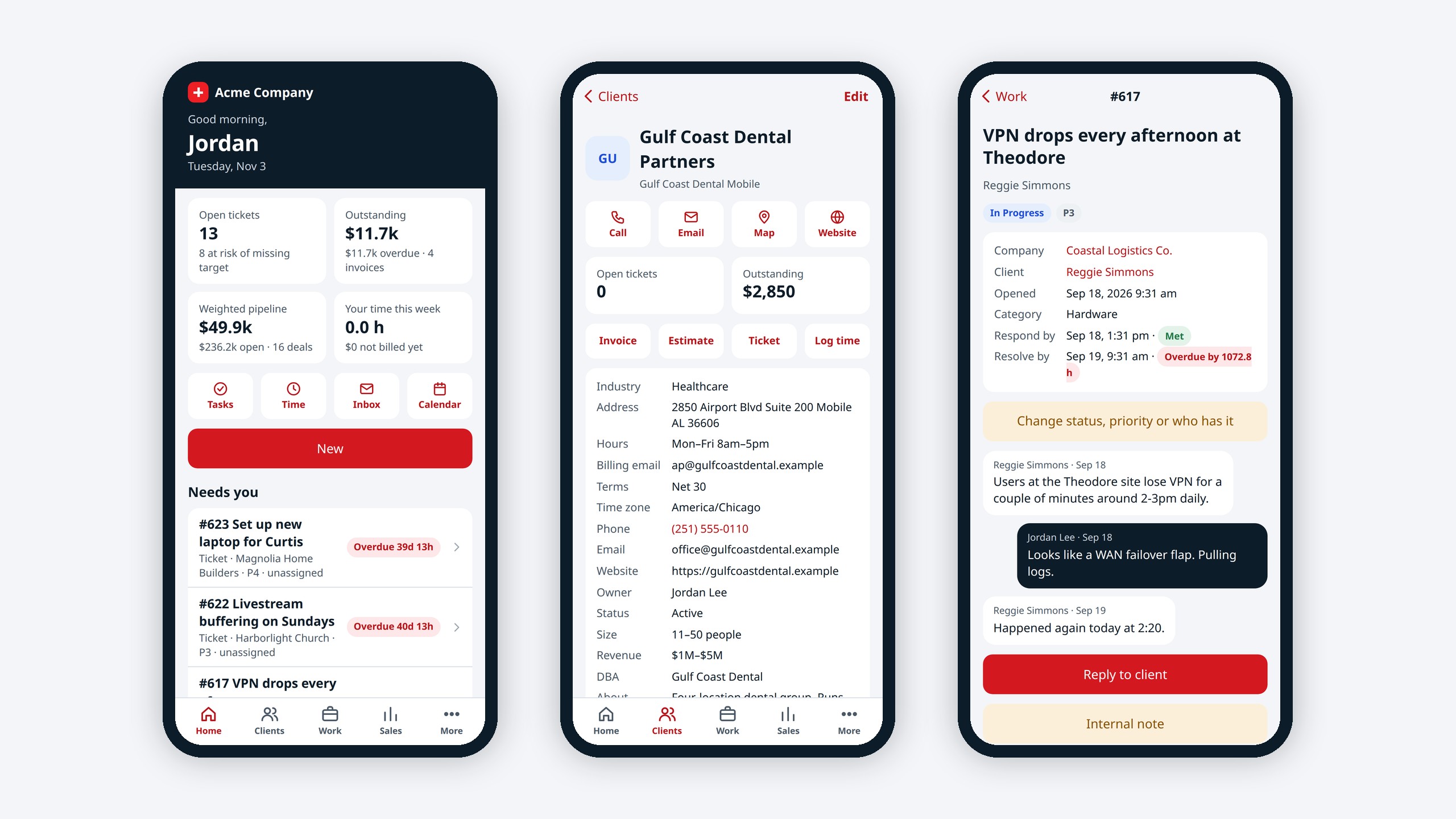
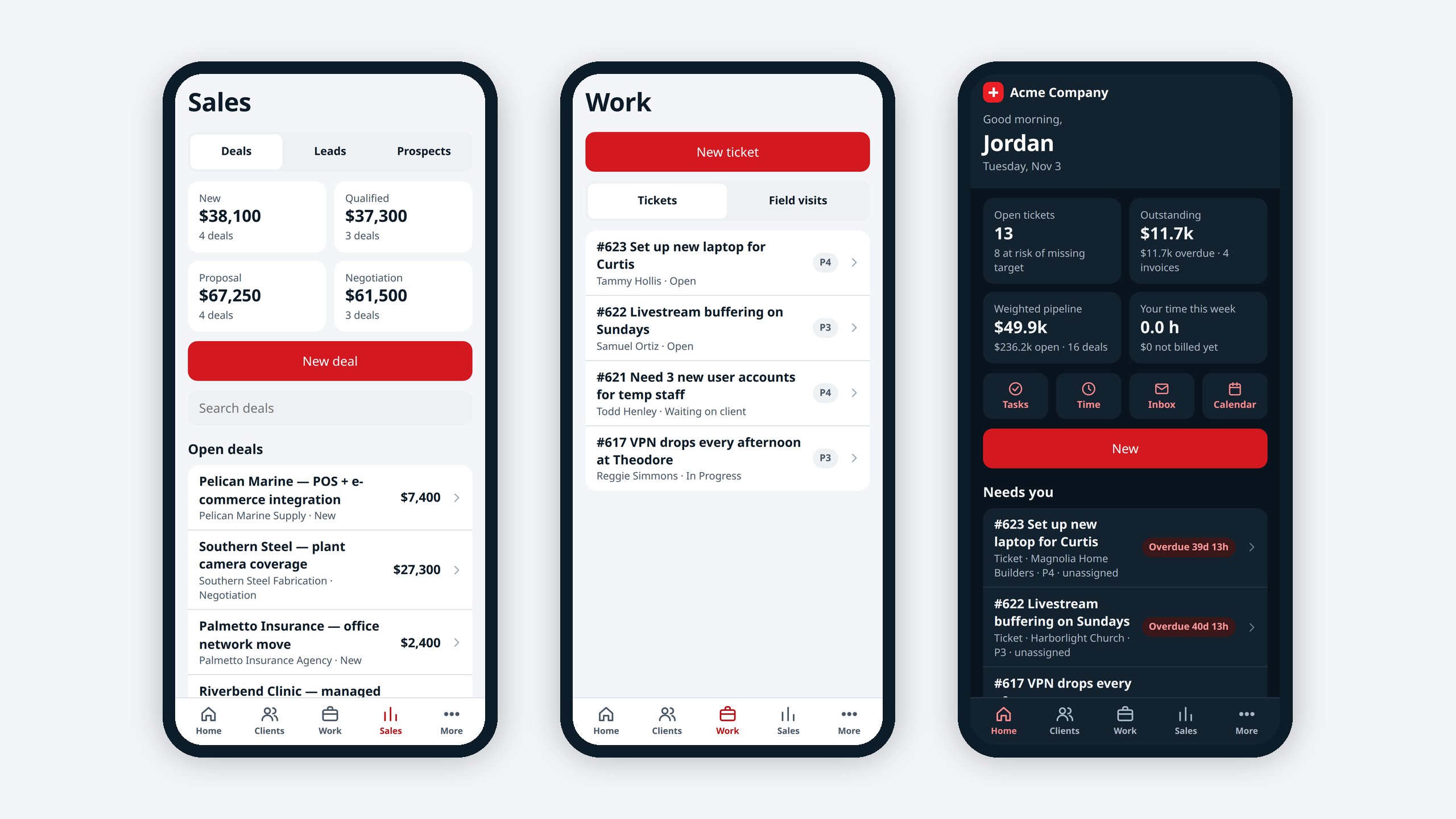
CRM-NG at /app/ on any iPhone or Android: clients, tickets, field visits, sales, approvals and more, in light and dark.
- iPhone and Android layouts
- Light and dark
- Make anything with New
- Every module that is on
- No app store needed
Why it matters
Staff in the field call the office to look things up, and approvals wait until someone is back at a desk. Most CRM phone apps show a fraction of what the desktop does.
-
Work from anywhere
Look up a client, update a ticket or approve a purchase order on the spot.
-
Nothing waits for a desk
Approvals, visits and time logged as they happen.
-
One login
Staff signing in on a phone land in the app.
How it works
-
Open it
Go to your CRM-NG address with /app/, or sign in on your phone.
-
Add it to your home screen
It opens like an app.
-
Work as usual
Every module you have that has a phone screen appears.
What Phone App does
Teams who work away from a desk.
-
Home
Today's lists, your inbox, the calendar and New to make anything.
-
Clients
People and companies with the full client view.
-
Work
Tickets, field visits, tasks, time and the timer.
-
Sales
Leads, deals, estimates and invoices with line items.
-
More
Renewals, purchase orders, client health, lifecycle, onboarding, compliance, surveys, reports, HR, the intranet and more.
-
Respects permissions
Everyone sees only what they are allowed to; money totals to managers only.
Who it is for
-
An IT provider / MSP
Technicians check in on site, log time and update the ticket from the phone.
-
A trades business
Jobs, visits and estimates on the van.
-
An owner
Approvals and numbers from anywhere.
Works with the rest of CRM-NG
- Field Service
Check in and out of visits from the phone.
- Service Desk
Tickets on the go.
- Sales
Deals, estimates and invoices on the go.
Questions
Do we download it from an app store?
No. It runs in the phone's browser and can be added to the home screen.
Does it work on Android and iPhone?
Yes, with a layout for each.
Is everything on the phone?
Most daily work is. Building forms, workflows and reports, accounting, setup and opening Vault secrets stay on a computer.
Does it support dark mode?
Yes, it follows your phone.
See Phone App running on your own data.
Every module runs on CRM-NextGen Cloud: we set it up and run it for you. Beta members get the first invites and hear pricing first.