
Report Builder
Build the report you actually need, in four steps.
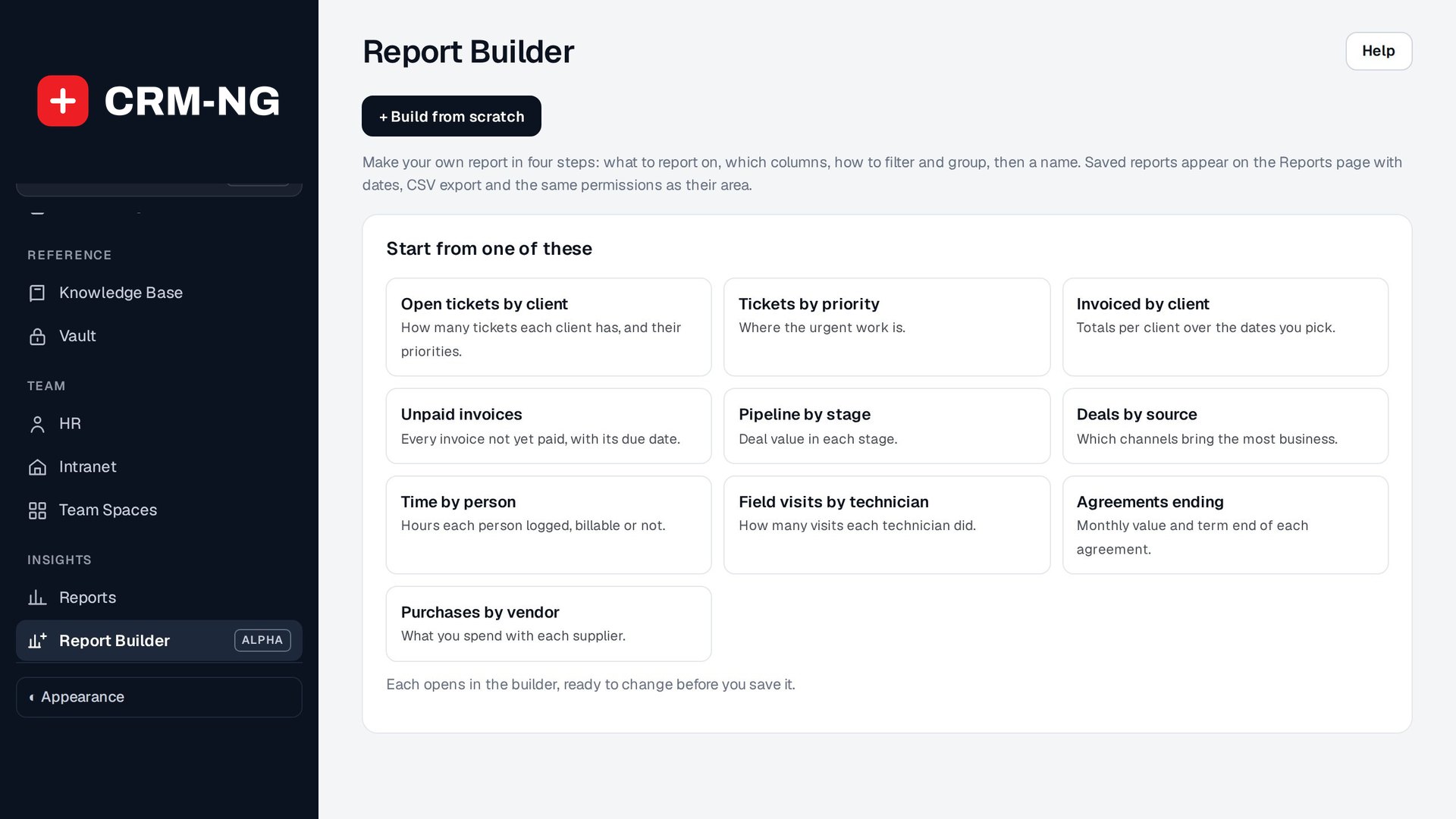
Pick what to report on, choose the columns, filter and group it, and save it next to the built-in reports, with a live preview as you go.
- Ten ready-made starts
- Live preview
- Filter and group
- CSV export
- Saved with your reports
Why it matters
Every business has the one report the software doesn't have, so someone exports everything to a spreadsheet every month and rebuilds it by hand.
-
Answers in minutes
Build the report once and run it whenever you need it.
-
No spreadsheets
Filter, group and total inside CRM-NG.
-
Shared with the team
Saved reports sit on the Reports page for everyone allowed to see them.
How it works
-
Choose what to report on
Tickets, invoices, deals, time and more.
-
Pick columns, filter and group
With the preview updating as you go.
-
Name and save
Run it any time with date ranges and CSV export.
What Report Builder does
Owners and managers who want their own numbers without a spreadsheet.
-
Ready-made starts
Open tickets by client, unpaid invoices, pipeline by stage, time by person and more.
-
Four clear steps
What, columns, filter and group, name and save.
- All or None to pick columns fast
-
Live preview
See the result beside the builder on every change.
-
Safe saving
Names are unique, and Save as a new report never overwrites the one you opened.
-
With the built-in reports
Date ranges, CSV export and saved reports in one place.
-
On the phone
Run reports with date presets.
Who it is for
-
An IT provider / MSP
Tickets by client and priority, or hours by technician, every month.
-
A professional-services firm
Unbilled time by client and person.
-
Any business
Unpaid invoices by age or pipeline by stage.
Works with the rest of CRM-NG
- Service Desk
Report on tickets and time.
- Accounting
Report on invoices and payments.
- Sales
Report on deals and the pipeline.
Questions
Do I need to know SQL?
No. You pick from cards, columns and filters.
Can I export it?
Yes, to CSV.
Can I change a saved report?
Yes. Save changes, or save a copy as a new report.
Who can see my reports?
They sit on the Reports page for people allowed to see the records in them.
See Report Builder running on your own data.
Every module runs on CRM-NextGen Cloud: we set it up and run it for you. Beta members get the first invites and hear pricing first.