
Service Desk
Every minute of support, billed at the right rate.
A timer on every ticket, rates chosen for you, included hours checked before billing, and draft invoices that link back to the work.
Why it matters
Technicians fix things and forget to write the time down, or write it on a sheet that is typed into the invoice a month later. Some clients get a special rate, some have hours included in their agreement, and working out who pays what turns into an afternoon of spreadsheet work and a few hours never billed at all.
Time, rates & included hours in detail
-
A timer where the work is
Start and stop the timer from the ticket, the Time screen or a project, or log time by hand afterwards.
- Start timer and Log time on every ticket
- Client and ticket search when logging time
- A description that shows on the invoice
- Billable switch on each entry
-
The right rate, automatically
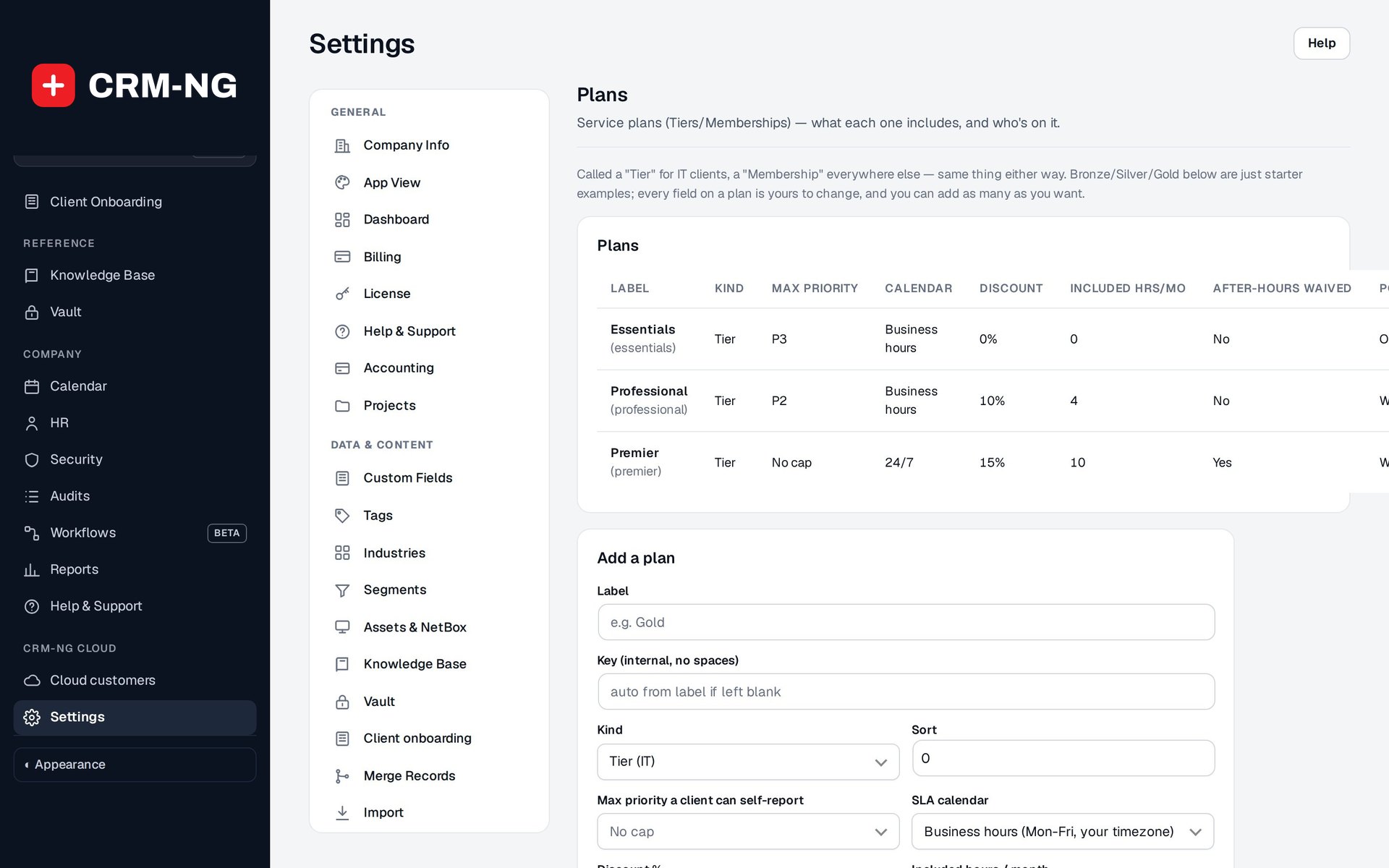
Rates are picked in a fixed order, then the plan's discount is applied.
- Client rate first, then staff rate, then your default hourly rate
- Plan discount applied to the chosen rate
- After-hours rate, waived by plans that include it
-
Included hours, decided before billing
A ledger of entries waiting for a coverage decision and entries approved against the monthly allowance.
- Manager verification by default; technicians can verify their own work if you allow it
- Hours used and remaining for the month
- Unused hours do not roll over
-
Clear billing states
Every entry shows whether it is unbilled, covered by included hours or already invoiced.
- Unbilled total and hours ready to invoice on the Time screen
- Billed entries show the invoice number
- Filters by person, client, linked work, period and billing state
-
Draft invoices from time
Select unbilled entries and turn them into a draft invoice to review before it is sent.
- Bill time from an invoice or estimate, including a company's people
- Links from invoice lines back to entries prevent double billing
Questions
Why would two clients pay different amounts for the same hour?
Their rates or plans differ: one may have a client rate, a plan discount or an after-hours waiver that the other does not.
Who decides whether time is covered by included hours?
By default a manager verifies coverage. You can let technicians verify their own eligible work instead.
Can time be billed twice?
Time billed through the billing action is linked to its invoice line and shows the invoice it went on, so it is not offered again. A manually typed invoice has no such link, so check for overlap.
More about Service Desk
- Tickets & conversations
Queues that show what needs attention, a ticket page with the whole story, and replies that always go to the right audience.
- SLAs & service plans
Service plans hold the terms you agree with each client; SLA targets turn those terms into a real deadline on every ticket.
- Service Desk overview
See Service Desk running on your own data.
Every module runs on CRM-NextGen Cloud: we set it up and run it for you. Beta members get the first invites and hear pricing first.