
Document Manager
Online signatures with a record you can stand behind.
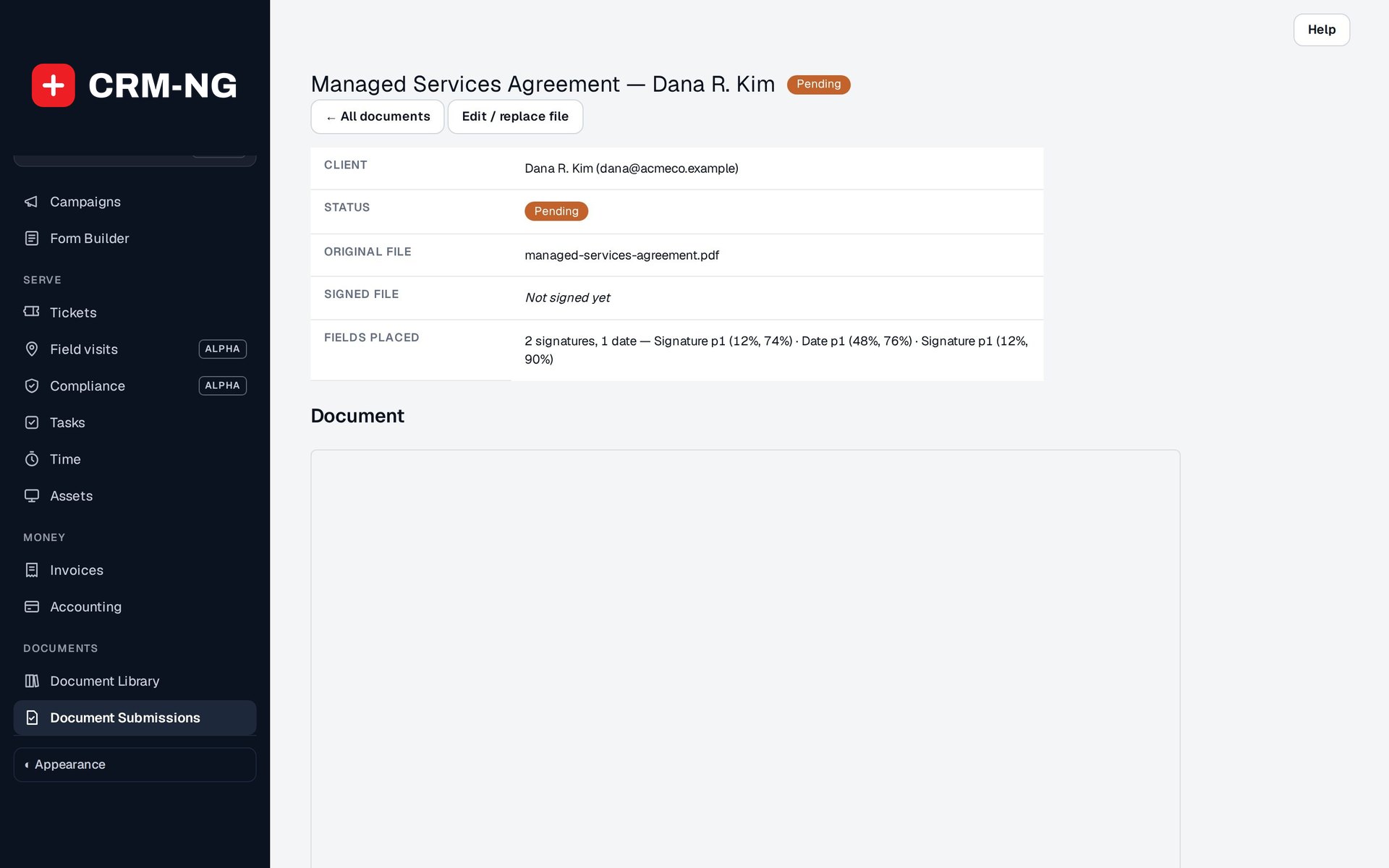
Clients sign in the portal with a typed or drawn signature, and every signature is recorded with who, when, how and from where.
Why it matters
A scanned signature on a PDF proves very little. When a client says they never agreed to a clause, you need to show which version they signed, when they signed it and that the file has not been touched since, not hunt through an inbox for a photo of a page.
E-signatures and audit trail in detail
-
Signing in the portal
The client reviews the whole document, then completes each field you placed.
- Typed or drawn signature
- Initials and date fields
- Signature stamped into the PDF
-
A complete signing record
Every signature records the details you would need in a dispute.
- Signing method, signer and time
- IP address and browser
- Audit history on the document's page
-
Tamper evidence
Fingerprints of the file are taken before and after signing.
- SHA-256 hash of the original
- SHA-256 hash of the signed file
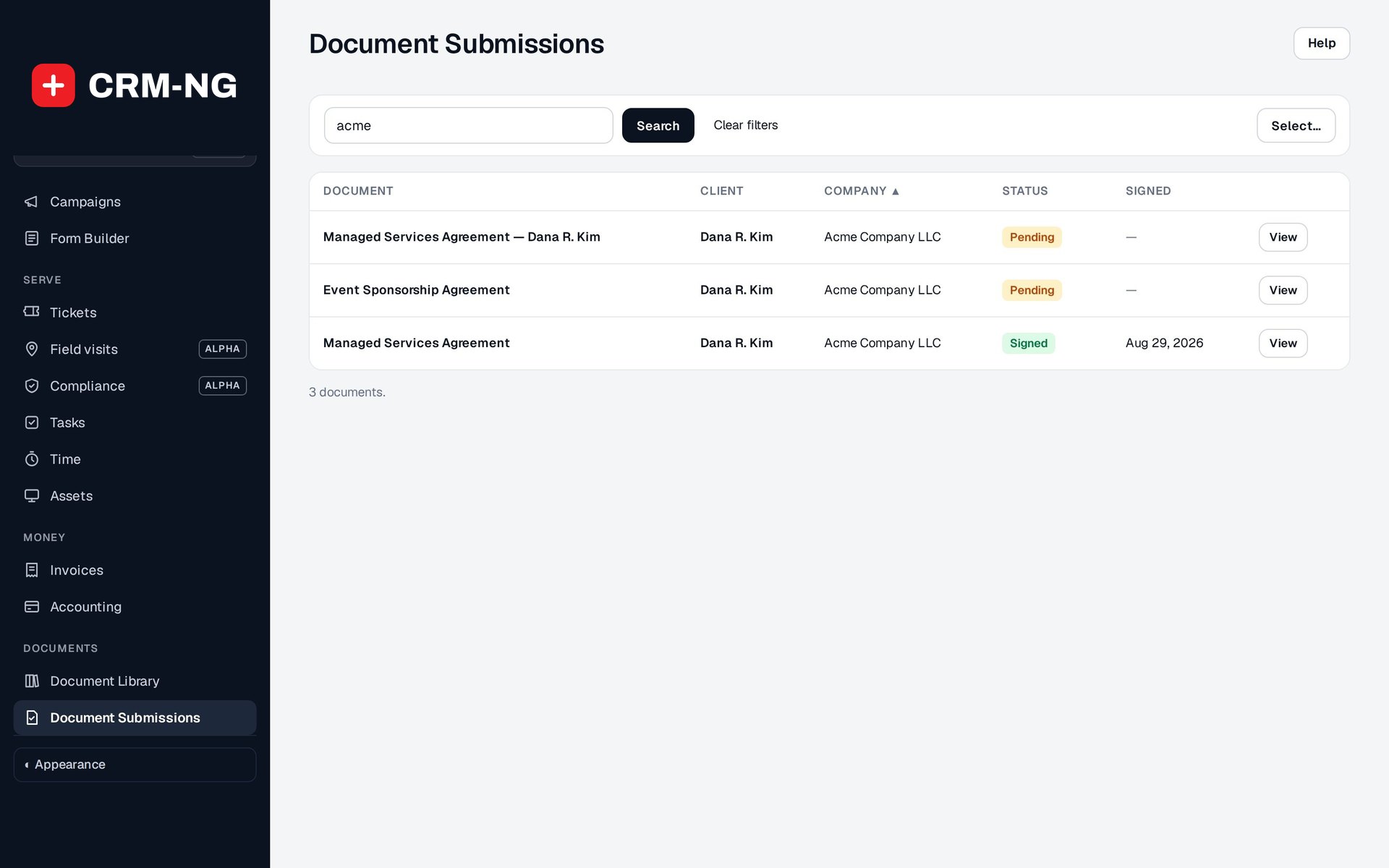
- Original and signed files kept side by side
-
Confirmation for both sides
As soon as the document is signed, you and the signer both get an email.
- Names the document, the signer and the time
- Sent from your business name
Questions
Is the signature put on the actual PDF?
Yes. The signature, initials and date are stamped onto the PDF in the boxes you placed, and the signed file is stored next to the original.
Can a client sign on their phone?
Yes. Signing happens in the client portal in a browser, so a phone, tablet or computer all work.
What if a client signed the wrong version?
Assign a new copy from the template. Each copy keeps its own files and history, so the earlier signature remains on record.
See Document Manager running on your own data.
Every module runs on CRM-NextGen Cloud: we set it up and run it for you. Beta members get the first invites and hear pricing first.