
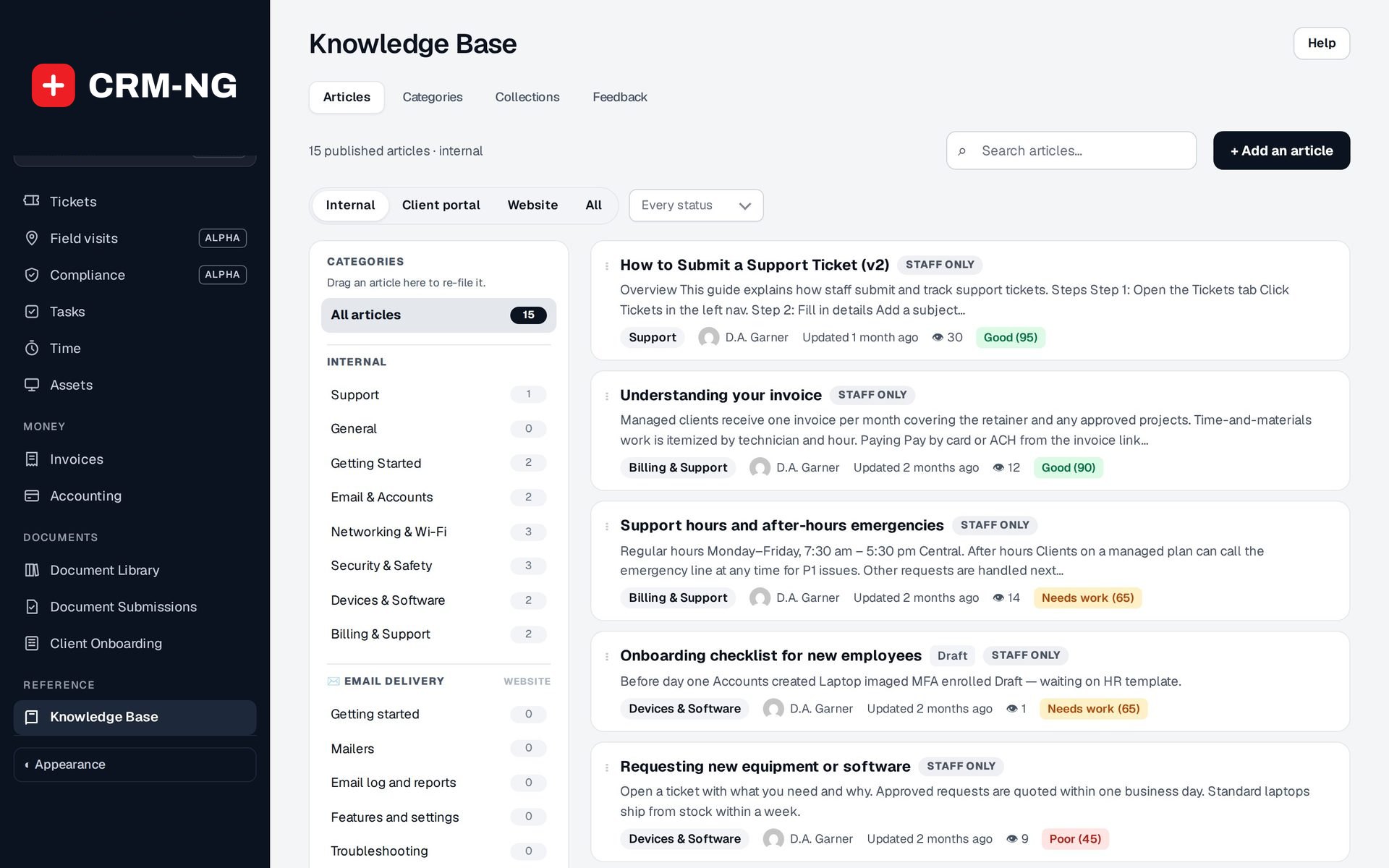
Knowledge Base
A searchable help centre, written in the same place as your internal notes.
Turn articles into public collections with categories, search, bylines and reader feedback, without a separate documentation tool.
Why it matters
Your public help pages are on a website nobody on the support team can edit, so they fall behind what you actually do. Fixes get written twice, once for staff and once for the website, and the two versions drift apart. You have no idea which pages people read or whether they helped.
Public documentation in detail
-
Collections
Each collection is its own public space with its own categories, for example one per product or service.
- Collections screen to create and arrange them
- Categories can be moved into or out of a collection
- A category page shows a set number of articles with View all
-
Article pages people trust
Every public article shows when it was last updated, who wrote it and, when set, who reviewed it.
- Sticky table of contents, previous and next links
- Related articles under each article
- Click-to-enlarge images and copy buttons on code
-
Search and discovery
Readers search a collection or the whole documentation site, and search engines find your articles.
- Search page across collections
- Pages listed in the sitemap with descriptions and structured data
- Each article also available as Markdown
-
Reader tools
Optional links help readers summarise an article or copy it into their own tools.
- Summarize links for Claude and ChatGPT (can be switched off)
- Copy for LLM and View Markdown
- "Was this article helpful?" for signed-in readers
-
Publish from GitHub
Teams that write in Markdown can publish straight from a repository with Git sync, a one-way publish from GitHub.
- Map repository folders to collections
- A file can only become public when its folder is mapped
- Callouts, steps and sections carry over from Markdown
-
Safe publishing
Making something public is a deliberate step taken by the right people.
- Publishing right needed to make an article public
- A public article must sit in a collection
- Images only from your own uploads
Questions
Do we need a separate website tool for our documentation?
No. Public collections are published as documentation pages with search, categories and article pages, written in the same Knowledge Base your team already uses.
Can anyone leave feedback on public articles?
Votes on public pages are for signed-in people, one per person, so the results are not skewed by bots or repeat clicks. Signed-out readers see a Sign in link instead.
Can we keep some articles in a collection private?
Yes. Visibility is set per article, so a collection's category can hold public articles while drafts and staff-only articles stay hidden.
Will search engines find our articles?
Yes. Public articles are listed in the sitemap and carry descriptions and structured data. The search results page itself is kept out of search engines.
See Knowledge Base running on your own data.
Every module runs on CRM-NextGen Cloud: we set it up and run it for you. Beta members get the first invites and hear pricing first.